Build the screen your team keeps asking for.
A custom module is a small app your company builds on its own Cue-RMS data. It comes with the Standard and Pro plans.
Every hire company has one screen it wishes its software had.
A stage timer for the show caller, a run sheet laid out your way, a tile on the dashboard for the warehouse. Waiting for a vendor to build it usually means waiting for good.
How a module works.
- Q1
Where it shows
As a page in the sidebar, limited to certain roles if you like, as a tab on every job, or as a widget on the dashboard.
- Q2
On a screen nobody signs in to
Show a module full screen on a TV or tablet from a kiosk link or its QR code. The screen is read only and never shows prices, totals or pay.
- Q3
Reads your data, never changes it
A module reads jobs, schedules, crew, contacts, stock and availability through read-only resources, and keeps its own records. It cannot change Cue-RMS data.
- Q4
Sees what the viewer sees
A module sees only what the person using it can see, in the areas an admin granted. Money stays hidden unless you allow it.
- Q5
Live on every screen
Records sync live, so every screen showing the module stays in step. If two people change one record at once, the second change is turned back instead of overwriting the first.
- Q6
Built with Claude, published by you
An AI agent can write a module and submit it through Cue-RMS's MCP tools. It cannot make it live: an owner or admin reviews what it asks for and publishes it in Settings.
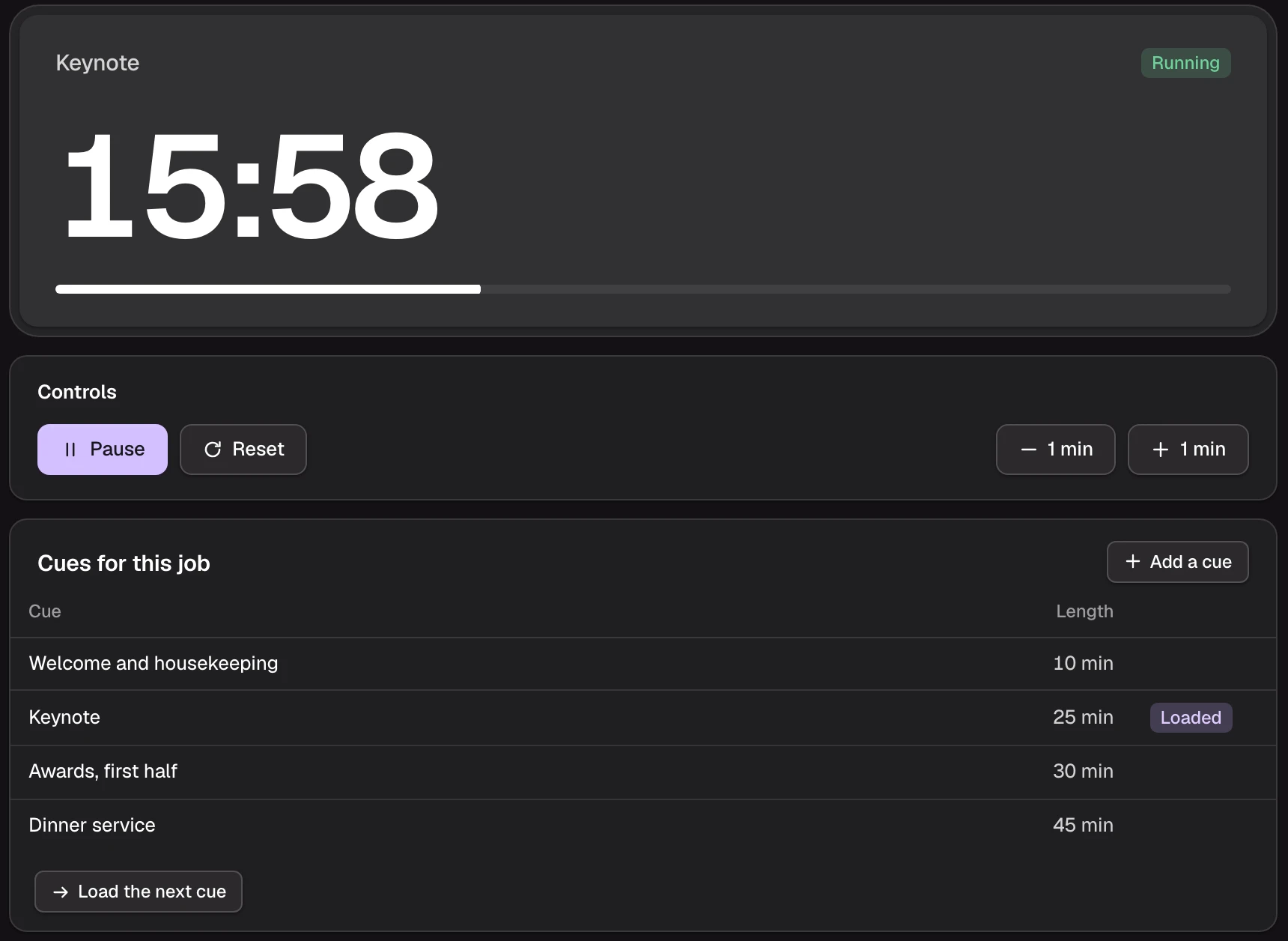
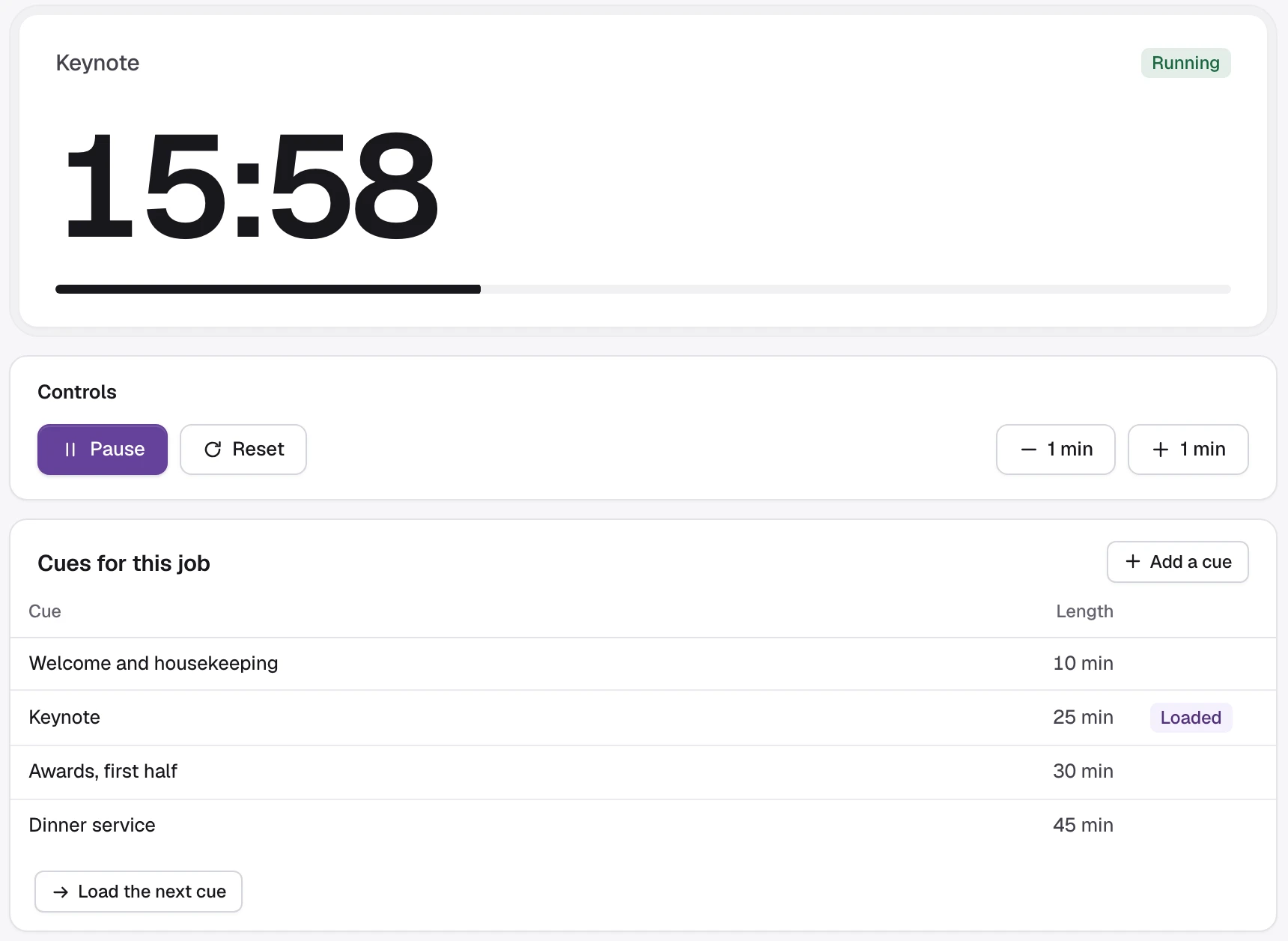
A stage timer, built with Claude.
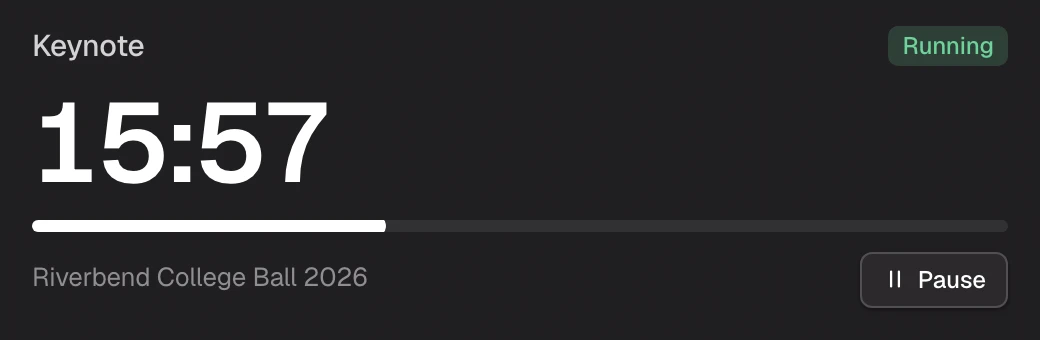
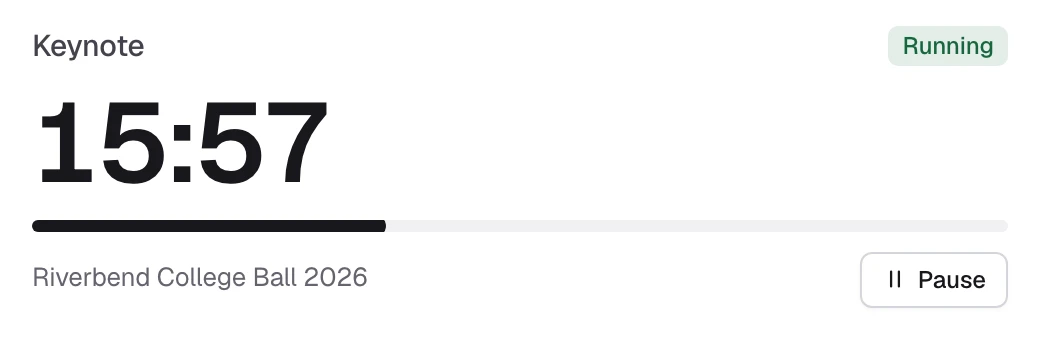
Our reference module is a show countdown with a controller on a job tab, a widget for the dashboard and a full-screen view for a display beside the stage. It was built from a prompt through the MCP tools, then reviewed and published by a person.
The docs walk through it from the first prompt, so you can build your own the same way.
Questions.
- Who can use custom modules?
- Every company on the Standard or Pro plan. On Starter, Settings shows what custom modules can do and how to upgrade.
- Can a module change our jobs or stock?
- No. A module reads through read-only resources and keeps its own records. Publishing, rolling back, changing access, pausing and deleting are all done by an owner or admin.
- How many modules can we have?
- Standard includes 1 published module and Pro includes 5. Starter has none. Each one after that is an add-on, charged when you publish it, with its price shown before anything is charged. You can keep up to ten drafts at a time.
- Can a module run on a screen nobody signs in to?
- Yes. An owner or admin makes a kiosk link for one screen, chooses its branches and how long it works, and opens it with the link or a QR code. The screen reads only what the module was approved for, never money or a job's internal notes, and stops as soon as its link is revoked.
- Do we need a developer?
- Not necessarily. An AI agent such as Claude can build a module from a description and submit it for review. Someone comfortable with HTML and JavaScript can also write one by hand.
Run your next job on Cue-RMS.
Start a 30-day free trial and set your company up yourself.